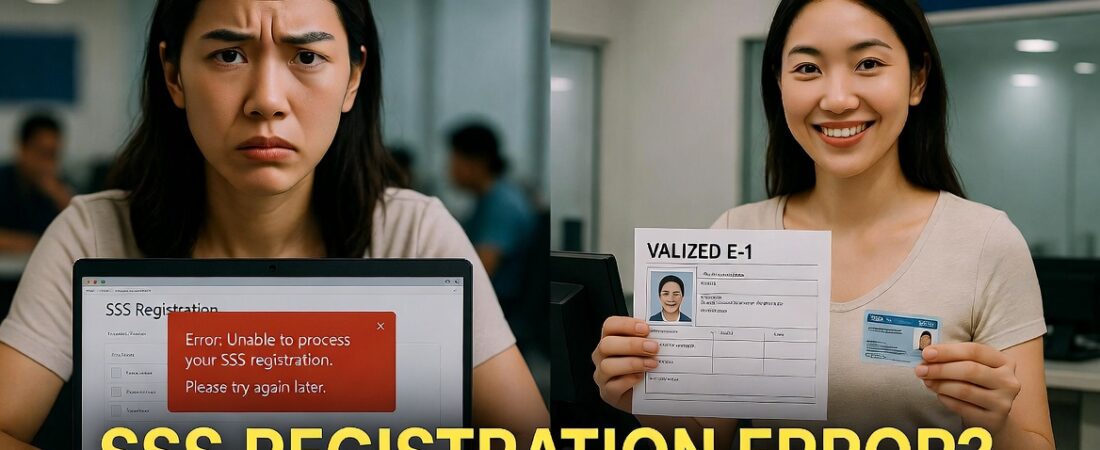
If you are trying to register for your My.SSS account to claim maternity benefits and seeing the error displayed in image_87ab81.png, you are hitting a “system lock.” This happens because your SSS record is incomplete in the central database. You cannot resolve this online; it requires a specific manual update at an SSS branch.
Why Is This Happening? (Core Problem Breakdown)
The error you are seeing is a multi-layered verification failure. The SSS portal blocks registration for three critical reasons:
- Missing Date of Coverage: This is the most common issue. The system does not have a start date for your membership in its database. Without this, the online portal cannot determine your eligibility for benefits.
- Missing Disbursement Data: The error “Savings Account Number… is not found” means you haven’t linked a bank account or e-wallet (like GCash or Maya) via the Disbursement Account Enrollment Module (DAEM).
- Membership Status Lock: Because the previous two data points are missing, the system effectively “freezes” your status to prevent fraudulent or incomplete benefit claims.
Quick Reference: Fix vs. Reality
| Error Message | Can be fixed online? | Required Action |
| No Date of Coverage | No | Visit SSS Branch (E-1/E-4 Form) |
| Missing Bank Account | No | Update DAEM at Branch |
| Membership Status Issue | No | Data Capture/Record Correction |
4-Step Resolution Workflow to Unlock Your Account
Do not keep clicking “Register.” You will eventually lock your account. Follow this manual workflow instead:
- Gather Required Documents: Bring two valid IDs (or one primary ID) and your SSS number. If you have your original E-1 form, bring it.
- Visit the Nearest SSS Branch: Go to the Member Services or Records section. Tell the officer you need to “update your Member Data” because you are getting a “No Date of Coverage” error online.
- Submit Form E-1 or E-4: Accomplish the Member Data Change Request Form (E-4) to ensure your date of coverage and contact details are encoded.
- Enroll Your Disbursement Account: While at the branch, explicitly ask the staff to encode your bank account or e-wallet number for the DAEM. This prevents the “Account Number Not Found” error from appearing later.
Pro Tips & Warnings
- Avoid Duplicate Numbers: Do not try to register a new SSS number if you already have an old one. This creates a “duplicate record” error that is incredibly difficult to fix.
- Bring Proof: If you are an employed member, bring your payslip, as it often contains your date of employment, which the SSS can use to verify your date of coverage.
- Maternity Benefits Urgency: Maternity benefit applications are time-sensitive. Complete this record update immediately so that once your account is live, you can file your notification without system delays.
FAQs (Frequently Asked Questions)
- Why can’t I just update my Date of Coverage online? The SSS online portal is for “Read/Write” access for active members. It cannot perform “Data Correction” for missing legacy data. That must be verified by a human agent.
- How long does it take for the online system to work after my branch visit? Usually 3–5 working days after the data is encoded by the SSS branch staff.
- Can a representative do this for me? Generally, no. SSS requires the member’s biometric data and original signature for record corrections.
- Will this delay my maternity benefit? Yes, if not fixed. However, fixing it now prevents a much longer delay later when you try to file the actual claim.
- What if I lost my SSS number? You can request a record verification at the branch before filing the E-4 form.
Don’t let this error stop your benefits.
Find your nearest SSS branch here and resolve this today.
Need help with other SSS forms?
Are you having trouble filling out the E-4 form correctly for your specific employment status?