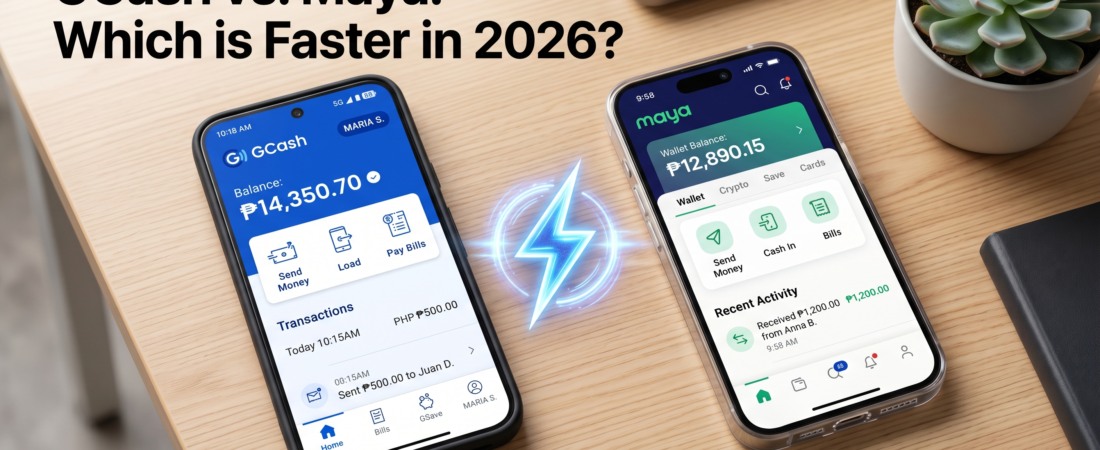
For most users in the Philippines, Maya is consistently faster for receiving disbursements compared to GCash. While GCash remains the industry leader in user base, Maya’s infrastructure often processes bank-to-wallet transfers and institutional payouts with lower latency. Both apps are reliable, but your choice should depend on the specific institution’s integration.
Why Disbursement Speeds Vary
Disbursement speed isn’t just about the app; it depends on the settlement cycle of the sending institution.
- Batch Processing: Many government agencies and companies send funds in bulk (batches), which can cause delays regardless of the wallet used.
- API Integration: Maya often utilizes more direct API connections for enterprise partners, leading to real-time crediting.
- System Maintenance: Both apps undergo scheduled maintenance, but checking the official app status pages is critical during peak payout days.
Quick Comparison: Disbursement Efficiency
| Feature | GCash | Maya |
| Average Crediting | Real-time to 24 hours | Near-instant to 12 hours |
| System Stability | High (but prone to traffic) | Very High |
| Best For | Massive Peer-to-Peer ecosystem | Institutional/Corporate payouts |
| Official Support | GCash Help Center | Maya Support |
3-Step Workflow for Faster Receipt
- Verify Your Account Limits: Ensure your wallet is fully verified (Upgraded/Fully KYC’d). Unverified accounts often trigger manual reviews, delaying your funds.
- Use the Correct Reference Number: If a reference number is provided by your employer or agency, input it exactly as requested in the “Add Money” or “Claim” portal.
- Check Institution’s Official Portal: Before panic-refreshing your app, check the official government website or your company’s payroll portal to see if the disbursement has been “Released” or “Processed.”
Pro Tips for Seamless Transactions
- Avoid Peak Hours: If you are expecting a disbursement, try not to perform high-frequency transactions during the first and 15th of the month, as network congestion is common.
- Enable Notifications: Turn on push notifications for both apps. Maya’s push alerts are often triggered exactly when the credit hits your balance.
- Check Maintenance Schedules: Always follow the official social media channels for GCash and Maya to see if there are ongoing service advisories.
FAQs
1. Is GCash always slower than Maya?
Not always. The speed difference is usually negligible, but Maya’s architecture handles large-volume institutional payouts with fewer bottlenecks.
2. Why haven’t I received my funds yet?
Usually, it is a delay on the sender’s end (the employer or agency). Always confirm with them first.
3. Which one is safer for large amounts?
Both are BSP-regulated and highly secure. Ensure you have 2FA (Two-Factor Authentication) enabled on both.
4. Can I use both?
Yes. It is recommended to have both accounts verified so you can pivot if one platform experiences technical downtime.
5. Are there fees for receiving money?
Standard disbursements from registered institutions are usually free. Always check the transaction summary.
Ready to master your finances? Download the latest GCash update here or Get started with Maya here to ensure you never miss a payment.