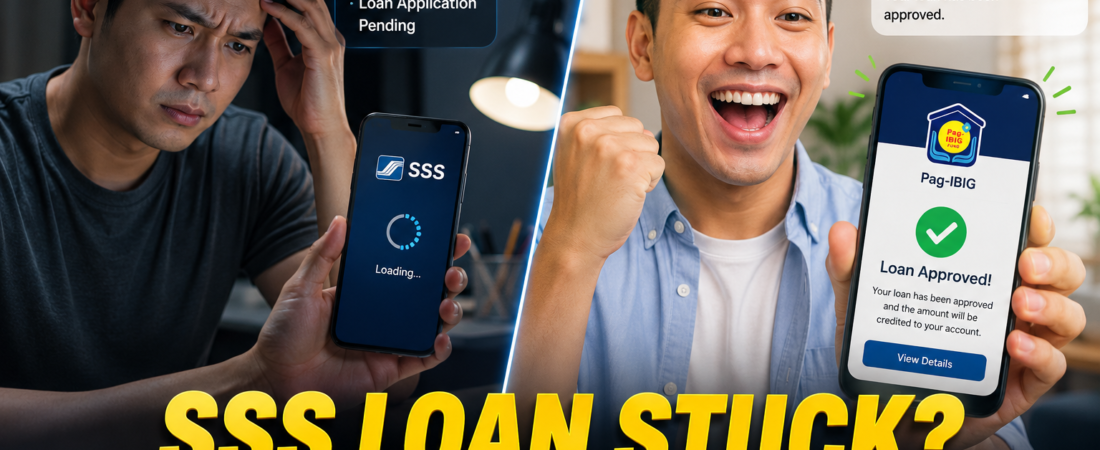
If your SSS Salary Loan is stuck in “processing” while your Pag-IBIG Multi-Purpose Loan (MPL) sailed through, you aren’t alone. SSS applications often face bottlenecks due to employer certification delays or unreconciled contribution records. In most cases, a complete online application takes 3–5 working days; if it takes longer, action is required.
Why Is Your SSS Loan Still Pending?
Unlike Pag-IBIG’s streamlined system, SSS requires strict synchronization between your records and your employer’s compliance. Common culprits for delays include:
- Employer Certification Gap: If you are employed, your company must certify your application via their My.SSS Employer Portal. If they haven’t logged in, your application sits in limbo.
- Contribution Discrepancies: If your recent contributions (last 6 months) are not yet “posted,” the system flags your account as ineligible.
- DAEM Issues: Your Disbursement Account Enrollment Module (DAEM) details must be perfectly matched. Even a minor name mismatch will freeze the disbursement.
- Existing Arrears: Any unposted payment or old, uncleared loan balance will automatically trigger an internal review, adding weeks to the process.
SSS vs. Pag-IBIG: Processing Comparison (2026)
| Feature | SSS Salary Loan | Pag-IBIG Multi-Purpose Loan |
| Typical Speed | 3–5 working days | 1–3 working days |
| Primary Bottleneck | Employer Certification | Account/Membership Verification |
| Requirement | 36+ total, 6 recent contributions | 24+ monthly savings |
| Status Check | My.SSS Portal | Virtual Pag-IBIG |
4-Step Resolution Workflow to Fast-Track Approval
Follow these steps immediately to nudge your application forward:
- Check Status via My.SSS: Log in to your My.SSS account. Navigate to E-Services > Inquiry > Loans Info. Look for the “Status” column.
- Ping Your HR Department: If the status is “Pending Employer Certification,” reach out to your payroll/HR head. Remind them to check their Employer Portal.
- Validate DAEM Enrollment: Ensure your bank account is “Active” and verified in the DAEM module. If it says “Pending” or “Rejected,” re-upload your proof of account.
- Use the SSS Hotline/Email: If it has been more than 5 working days, do not wait. Email member_relations@sss.gov.ph or call the SSS Hotline at 1455 with your Loan Reference Number ready.
Pro Tips for 2026
- Don’t Re-apply: Submitting multiple applications often causes the system to auto-reject all of them due to duplicate entries.
- Keep Records: Always take a screenshot of your successful submission page showing the Transaction Number.
- Switch to E-Wallet: If your bank transfer is taking too long, consider updating your DAEM to an e-wallet (like Maya or GCash) which often processes disbursements faster than traditional banks.
FAQs (Frequently Asked Questions)
- How long should I wait before following up? Give it at least 5 full working days after your employer certifies your application.
- Can I cancel a pending loan? Yes, you can visit the nearest SSS branch to request a cancellation if you change your mind or need to correct an entry.
- Why is my loanable amount lower than expected? It is based on your Average Monthly Salary Credit (AMSC). Check your contribution history to ensure all payments are reflected.
- What if my employer is no longer active? You will need to visit an SSS branch to explain your status and potentially transition to voluntary member status to clear the loan.
- Is Pag-IBIG really faster? Generally, yes, because the Pag-IBIG system is heavily automated and less reliant on employer certification for simple salary loans.
Disclaimer: This information is based on current 2026 SSS guidelines. Always verify your specific account status via the official SSS website.
Need more help with your application?
Are you experiencing a specific error message when you try to check your loan status on the SSS portal?
Common reasons for SSS rejection
This video provides a visual walkthrough of common reasons why your SSS disbursement enrollment might be rejected, specifically regarding selfie verification and account settings.